
Dell Precision 7670 Review | Core i9 12th Gen | RTX A2000 8GB | 32GB RAM | 512GB SSD
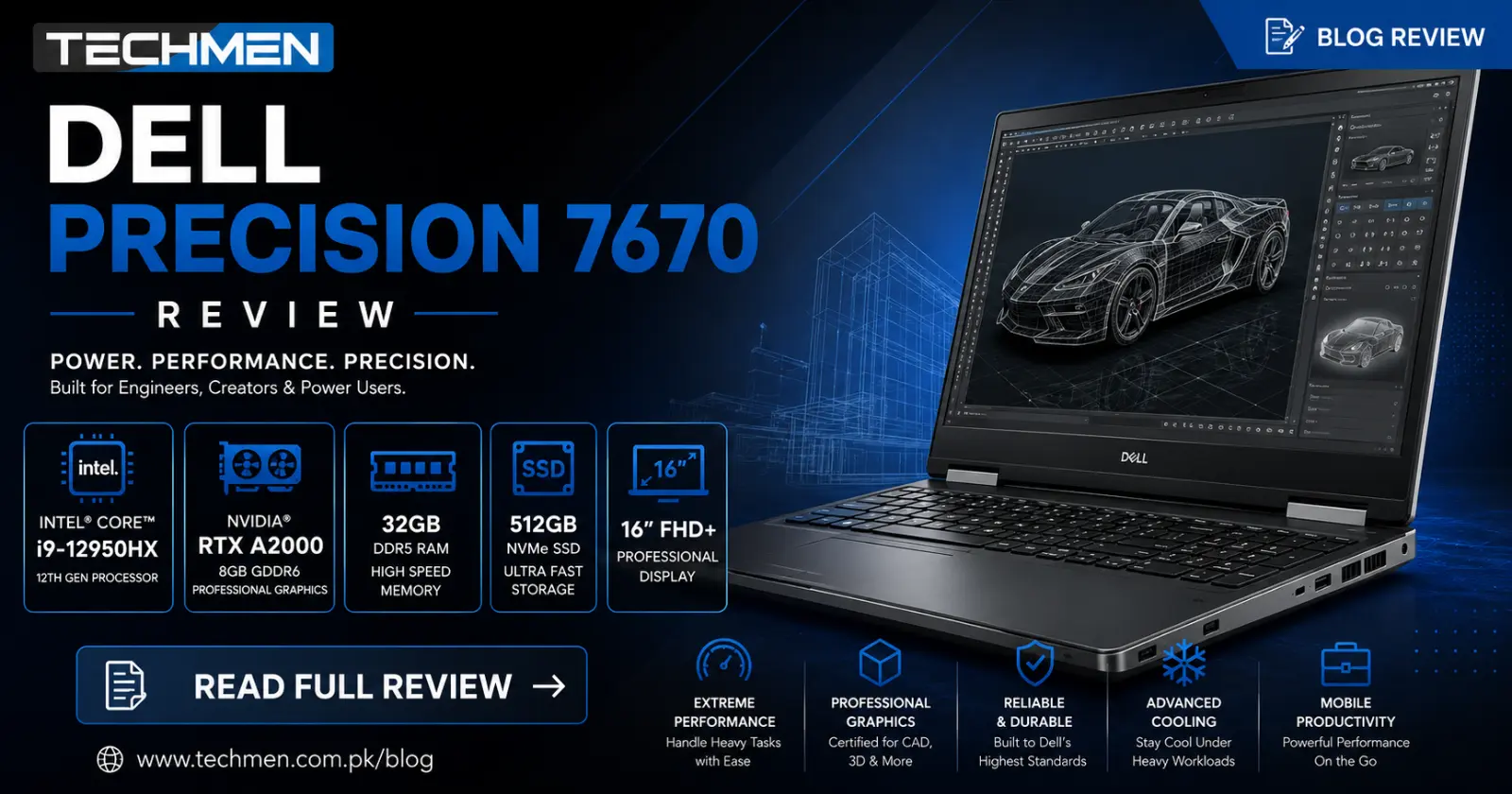
Dell Precision 7670 Review
Core i9 12th Gen | RTX A2000 8GB | 32GB RAM | 512GB SSD
Most laptops compromise somewhere. Either they are fast but have a weak display. Or they have a good GPU but throttle under load. Or they look great but fall apart after two years. The Dell Precision 7670 does not compromise. It is a full professional-grade mobile workstation — and the fact that you can now buy one used at Techmen Lahore for Rs.280,000 is genuinely remarkable.
We have been selling and testing laptops at Hafeez Centre for years. This is one of the most capable machines we have had in stock. Let us break it down properly.
Full Specifications
Performance Ratings
Here is how the Dell Precision 7670 scores across the categories that matter most to professional users:
Processor — Intel Core i9-12950HX
Let us start with the headline. The Core i9-12950HX is Intel's top-of-the-line mobile workstation processor from the 12th generation Alder Lake-HX family. This is not a laptop chip that was cut down from a desktop — it is purpose-built for mobile workstations with the full power of a desktop processor crammed into a portable chassis.
16 cores and 24 threads with a boost clock of 5.0 GHz means this machine chews through demanding workloads without flinching. We are talking Blender renders in minutes not hours, Python data science pipelines that complete before you finish your chai, and AutoCAD assemblies that load instantly.
For context — the Core i9-12950HX outperforms the Core i7-12th gen chips in the same price range by 30–40% in multi-core tasks. If your work involves anything computationally intensive, that difference is felt every single day.
GPU — NVIDIA RTX A2000 8GB
This is what separates the Precision 7670 from gaming laptops in the same price range. The RTX A2000 is a professional workstation GPU — not a gaming card. The difference matters enormously depending on your work.
Professional GPUs like the RTX A2000 are certified for professional applications — AutoCAD, SolidWorks, CATIA, Maya, DaVinci Resolve, and AI frameworks like TensorFlow and PyTorch. They carry ISV (Independent Software Vendor) certifications that gaming GPUs do not have, meaning you get verified stability and accuracy in these applications.
The 8GB GDDR6 VRAM handles large textures, 3D scene complexity, and AI model training without running out of memory. For video editors working in 4K, the RTX A2000 accelerates DaVinci Resolve's export speeds dramatically compared to CPU-only rendering.
RAM — 32GB DDR5
32GB of DDR5 RAM is a serious amount of memory. DDR5 is the latest generation of RAM with significantly higher bandwidth than DDR4 — meaning data moves between the processor and RAM faster, which directly improves performance in memory-intensive tasks like video editing, 3D rendering, and large dataset processing.
In practical terms, 32GB means you can have a full engineering project open in AutoCAD, a reference PDF, a browser with 15 tabs, Slack, and Outlook — all simultaneously — without any slowdown whatsoever. For most professionals this is more than enough. And if you ever need more, this machine supports up to 128GB.
Storage — 512GB NVMe SSD
The 512GB NVMe SSD is fast and capable for everyday professional use. Windows boots in under 15 seconds, applications load instantly, and file transfers are snappy. For engineers and designers who work with large project files, we do offer a 1TB SSD upgrade at Techmen for an additional Rs.18,000 — a worthwhile investment if storage is a concern for your workflow.
Display — 16 inch FHD with 16:10 Aspect Ratio
The 16 inch display with a 16:10 aspect ratio is a thoughtful choice by Dell. That extra vertical space compared to a standard 16:9 screen makes a real difference when you are working in CAD software, spreadsheets, or code editors — you simply see more content without scrolling.
The colour accuracy on this panel is calibrated for professional use. Graphic designers and video editors will appreciate that what they see on screen closely matches what they output — an important detail that cheaper displays get wrong. It is bright, sharp, and comfortable for long work sessions.
Build Quality — Dell Precision Grade
Dell's Precision line is built to a different standard than consumer laptops. The chassis is rigid aluminium — there is no flex when you pick it up by a corner, no creaking when you type firmly, no wobble on the hinges. It feels like a tool built to last, because it is.
The keyboard is excellent — full-size with a numpad, firm key travel, and precise feedback that engineers and analysts who type data all day will appreciate. The touchpad is large, accurate, and smooth. The port selection is comprehensive: Thunderbolt 4, multiple USB-A ports, HDMI, SD card, and RJ45 ethernet — everything a professional could need without a dock.
Thermals & Cooling
Here is the honest part. The Core i9-12950HX and RTX A2000 are powerful components that generate significant heat under sustained load. Dell's dual-fan cooling system handles this well — the machine runs cool in everyday tasks and only becomes noticeably warm under extended rendering or simulation workloads.
Under full load the fans do spin up audibly. This is expected and normal for a workstation at this performance level — the same is true of every machine in this class from any manufacturer. In an office environment or during client meetings at lighter tasks, the fans are barely noticeable.
Battery Life — The Honest Truth
A Core i9 workstation with a dedicated professional GPU is not going to win any battery awards and we will not pretend otherwise. Under normal mixed use — emails, documents, light browsing — expect 3–4 hours. Under heavy workstation tasks the battery drains faster.
This is consistent with every mobile workstation in this class globally. The Dell Precision 7670 is designed for desk use with power or short periods of mobility. If you need all-day untethered battery life, this is not the laptop for you — consider a ThinkPad or EliteBook from our range instead. But if you need raw power and the outlet is nearby, battery life is an acceptable tradeoff.
Pros and Cons
Who Should Buy the Dell Precision 7670?
How It Compares to Other Workstations at Techmen
Not sure if the 7670 is right for your budget? Here is how it stacks up against the other workstation-class laptops currently in our stock:
Frequently Asked Questions
Is the Dell Precision 7670 good for gaming?
Yes and no. The RTX A2000 will run most popular titles at medium-high settings — GTA V, FIFA, CS2, and similar games will work well. However the RTX A2000 is a professional workstation GPU, not a gaming GPU. For pure gaming, the HP Omen 16 with RTX 4060 at Rs.280,000 is a better choice. For professionals who occasionally game — the 7670 does both.
Can the RAM be upgraded later?
Yes. The Dell Precision 7670 supports up to 128GB DDR5 RAM across its four slots. Our team at Techmen can perform RAM upgrades in-store. WhatsApp us on 0332 1461130 for current RAM prices.
Does it come with Windows installed?
Used laptops at Techmen are sold as-is for the operating system. We recommend installing a fresh copy of Windows 11 Pro which is fully compatible with this machine. Our team can assist with installation if needed.
Is the 7-day warranty enough?
The 7-day check warranty means you can return or exchange the laptop within 7 days if any hardware fault is found. At Techmen every laptop is tested and graded before sale — Grade A units are in excellent working condition. The 7-day window is a safety net, not an expectation of problems.
Can I get a 1TB SSD version?
Yes. Techmen offers a 1TB SSD upgrade for this model at an additional Rs.18,000 — making the total Rs.298,000. If your work involves large files, renders, or video projects, the 1TB upgrade is well worth it. Ask about it when you visit or WhatsApp us to confirm availability.
